Point of sale
Available
Region: NorwayLoyaltey + PCKasse
Stamp customers from settled PCKasse orders.
What it does
- PCKasse sends its order messages to a Loyaltey receiver URL; there is no PCKasse API to call, so PCKasse starts every exchange.
- Stamps are awarded when an order is settled, and each order is processed once.
How to set it up
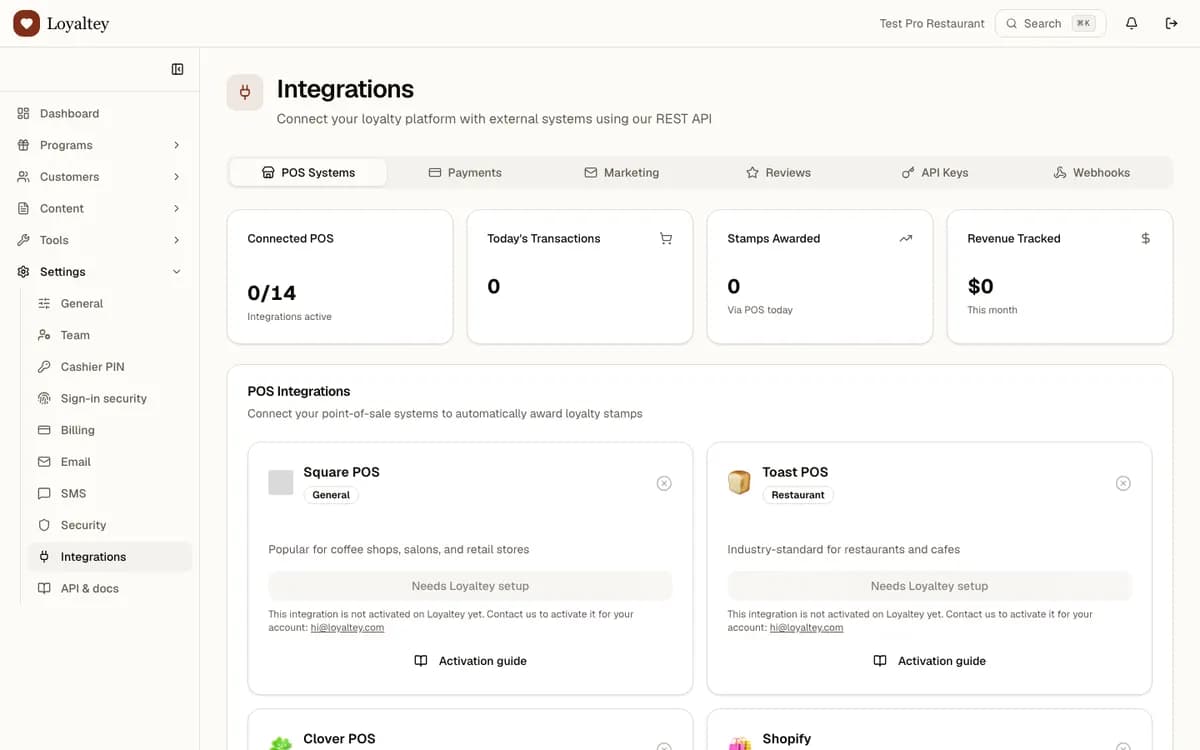
- Create the connection in Integrations → Point of sale to get your receiver URL and credentials.
- Your PCKasse installer registers the receiver URL in your PCKasse installation.
How customers are recognised
When a sale arrives, Loyaltey looks for the customer in this order: a POS customer or card it learned from an earlier purchase, a member barcode scanned at checkout, then email and phone. Learned identifiers are stored only as keyed hashes. Sales that cannot be matched are listed in the dashboard so staff can link them, and every transaction is stamped at most once.
Used by
Related integrations
Try Loyaltey free
The Starter plan is free for up to 100 customers, with no credit card. Growth is €29/month for up to 2,500 customers.